

1. Prepare the standard OTG live broadcast cable of the audio in advance, if the mobile phone is a Type-c or Apple interface, you need to prepare the corresponding adapter cable, and you need to prepare monitoring headphones 2
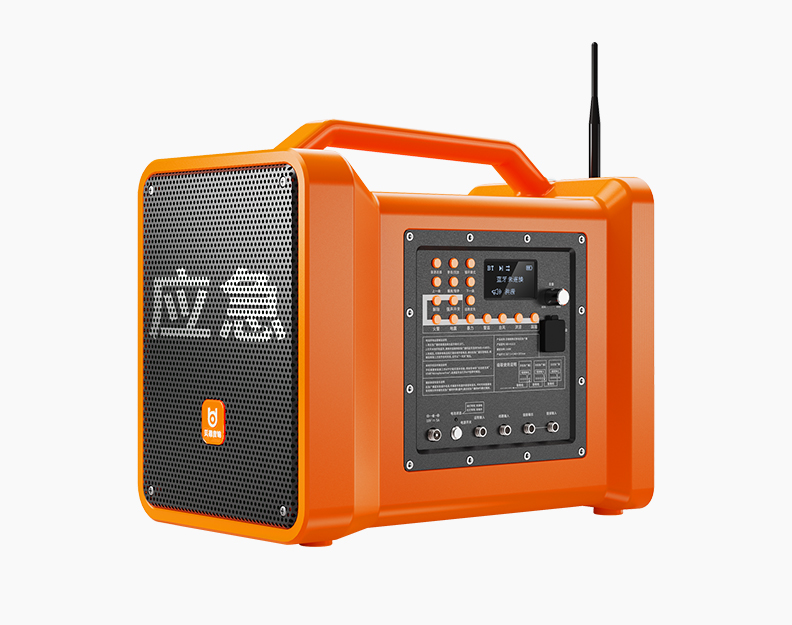
. Turn on the speaker, plug one end of the OTG cable into the "OTG live broadcast" interface of the speaker, and connect the charging port of the mobile phone at the other end, some models can also be plugged into the corresponding live broadcast cable to connect to the mobile phone
3. Connect the accompaniment mobile phone, turn on the Bluetooth of the mobile phone to pair with the audio, After successful pairing, the accompaniment sound played by the mobile phone will be transmitted to the speaker
4. Adjust the volume of the device and the volume of the live broadcast to the appropriate size, if you are afraid of disturbing the people, you can insert the monitoring headphones into the headphone jack of the speaker, and some models can switch the monitoring mode by pressing and holding "previous song" or "microphone priority", the speaker is muted in the monitoring mode, and only the headphones make a sound
 language