

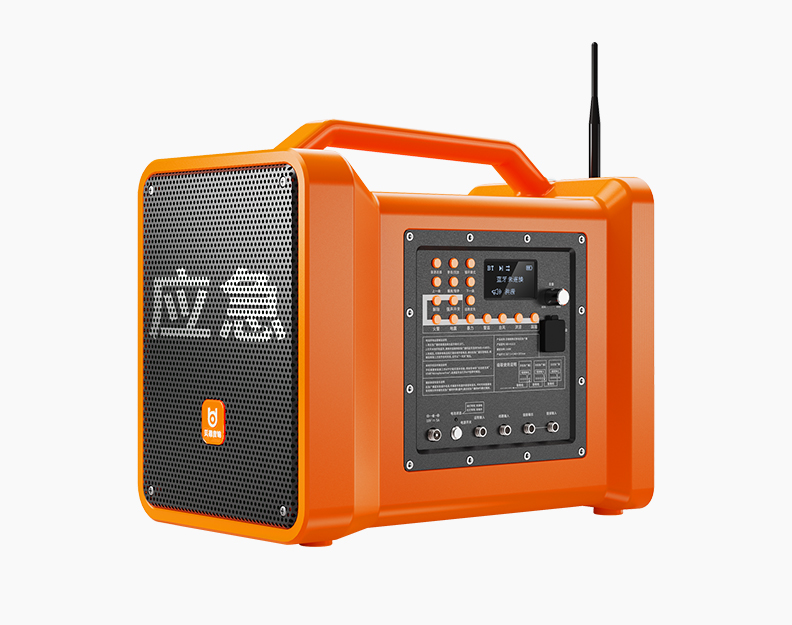
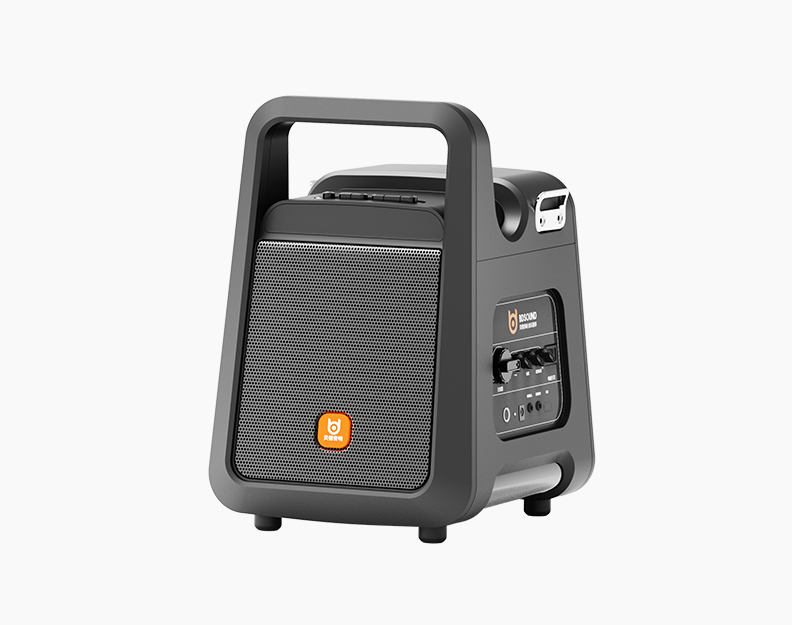
1. U disk direct recording: After the audio is turned on, insert the USB flash drive into the USB port of the speaker, switch to the audio input mode, click the audio recording button, use the microphone to start recording, and press the input selection or record button to exit the recording mode
2. Mobile phone internal recording: When the audio has an internal recording function, prepare the live broadcast cable corresponding to the mobile phone interface, insert the live broadcast port or OTG, Type-C interface of the audio at one end, and connect to the mobile phone charging port at the other end , adjust the volume of the device and the volume of the live broadcast to the appropriate size, and finally turn on the mobile phone to record with its own camera or karaoke software
 language